
# Python Notebook
Editor: left menu › Python Notebook
The Python Notebook runs the Tidy3D Python client in your browser, with nothing to install. Your API key is already set up.
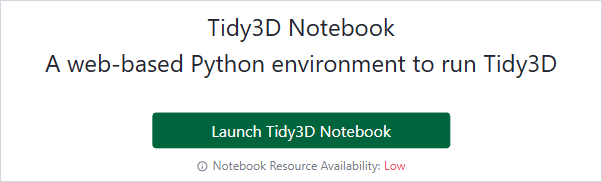
Tidy3D Notebook page
# Launch It
- In the left menu, click Python Notebook.
- Click Launch Tidy3D Notebook. The page shows the start-up steps, then opens the notebook.
- To stop it, click Stop Server and confirm with Stop Anyway. Stopping the server stops everything that runs in the notebook.
Notebook Resource Availability shows how busy the notebook servers are. The button is disabled when your license does not include the Tidy3D Notebook.
The page also links to the Quick Start, the Python API Reference and the Tidy3D Python example library.
# Related Content
- Tidy3D Python documentation (opens new window)
- Account: the API Key tab