
# Home Page
Editor: left menu › Home Page
The Home Page is the first page after you sign in. It shows your recent projects, your FlexCredits, the project types you can use, examples and courses.
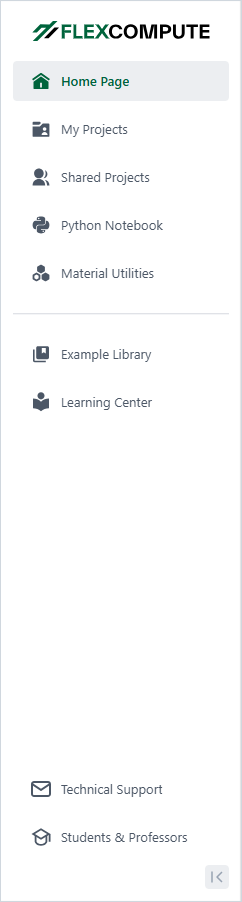
Left menu, expanded
# Left Menu
The menu on the left opens every page: Home Page, My Projects, Shared Projects (when your company has it), Python Notebook, Material Utilities, Example Library and Learning Center. At the bottom are Technical Support and Students & Professors. The menu starts with icons only; the button at the bottom shows the labels.
The search box at the top, "Type your search here!", searches the Flexcompute help resources. Your account menu is under your initial at the top right (see Account).
# On the Page
- FlexCredits: your balance and its expiry date, with Earn Credits and Upgrade.
- Your Recent Projects: up to 8 projects. Click a project to open it. New Project opens the Create New Project dialog, and See All Projects opens My Projects.
- Your Solvers: one card per project type. + New Project on a card opens Create New Project on that type. Charge offers Try it in Python, which opens the Python Notebook.
- Recommended Examples and Courses & Tutorials. See All opens the Example Library.
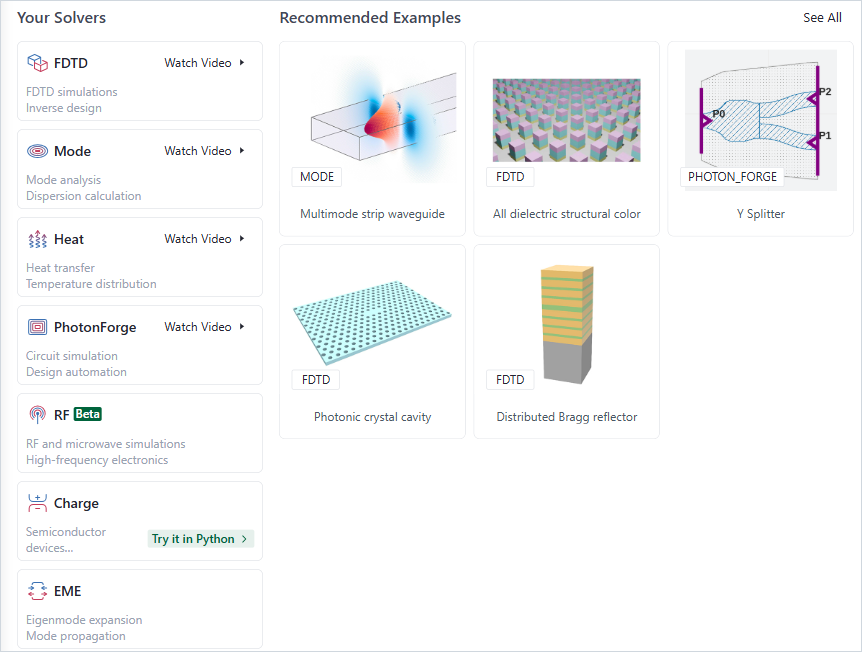
Your Solvers and Recommended Examples