
# Account
Editor: your initial at the top right › All Account Settings
The account pages hold your plan, your profile, your FlexCredit use, your API key and your settings.
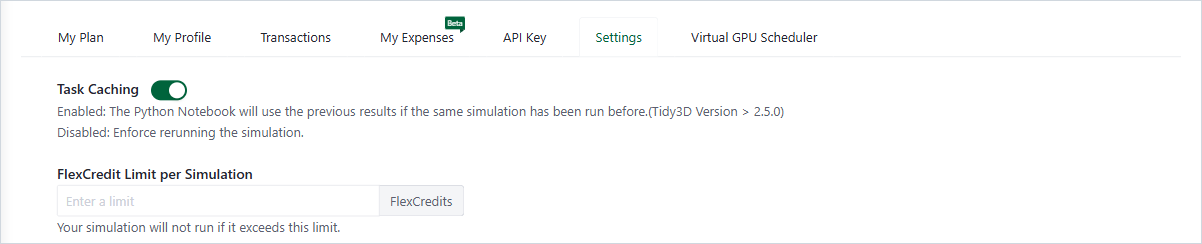
Account, Settings tab
# Account Menu
Click your initial at the top right. The menu shows your email address and offers My Plan & Storage, Transactions, Expenses, All Account Settings, Notifications, Logout and Redeem Promo Code.
# Tabs
| Tab | What it holds | Shown |
|---|---|---|
| My Plan | FlexCredits balance and expiry, allowances, storage, plans, promo and invitation codes | Always |
| My Profile | Name, email, company, country, user ID; deleting the account | Always |
| Transactions | Every FlexCredit transaction; Export | Always |
| My Expenses (Beta) | FlexCredit use per category for a billing cycle | Always |
| API Key | Your key for the Python client, with install and setup steps | Always |
| Settings | Reuse of earlier results, FlexCredit Limit per Simulation, FlexCredit Limit per Month and more | Always |
| Multi-Factor Authentication | Turn a second sign-in step on or off | When you do not sign in with single sign-on (SSO) |
| User Management | Invite and manage the members of your company | For company administrators |
| Virtual GPU Scheduler | The vGPU queue of your company | With a vGPU license |
Cloud only
FlexCredits, plans and limits apply to the cloud.