# Snapping Point
Snapping Point defines a location that grid boundaries should pass through.
This object corresponds to the snapping_points field of tidy3d.GridSpec (opens new window).
Snapping points are useful when small geometric details need to be resolved accurately, such as conductor edges, gaps, lumped port boundaries, or layer interfaces.
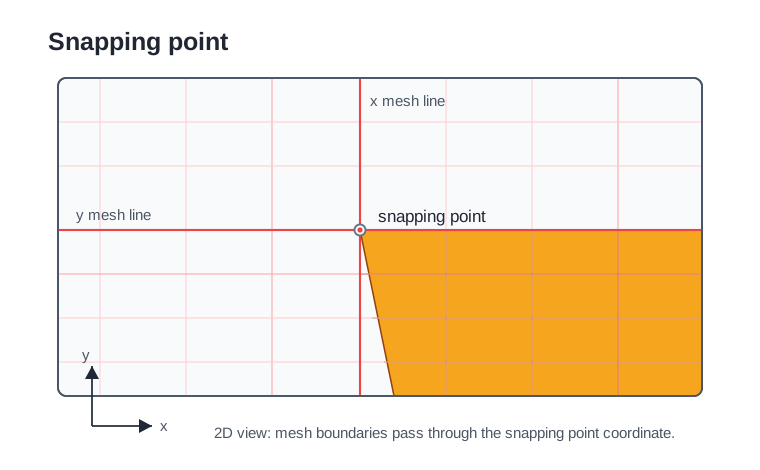
The diagram shows a 2D slice: the x and y mesh lines pass through the snapping point. In 3D, the same point also defines the corresponding z grid boundary.
# Name
name: Unique name for the snapping point.
- Required field
# Geometry
center: Snapping point position in x, y, and z-directions.
- Type: three floating-point numbers
- Unit: m, mm (default unit), um
- Required field
NOTE
Snapping points are used by grid generation when at least one grid direction uses AutoGrid or QuasiUniformGrid. Points that are too close to other grid constraints may be skipped by the mesher.
Port-specific snapping settings are documented in Lumped Port.